USER GUIDEChapter 01
Install and activate
Machine code, delivery code and offline license import.
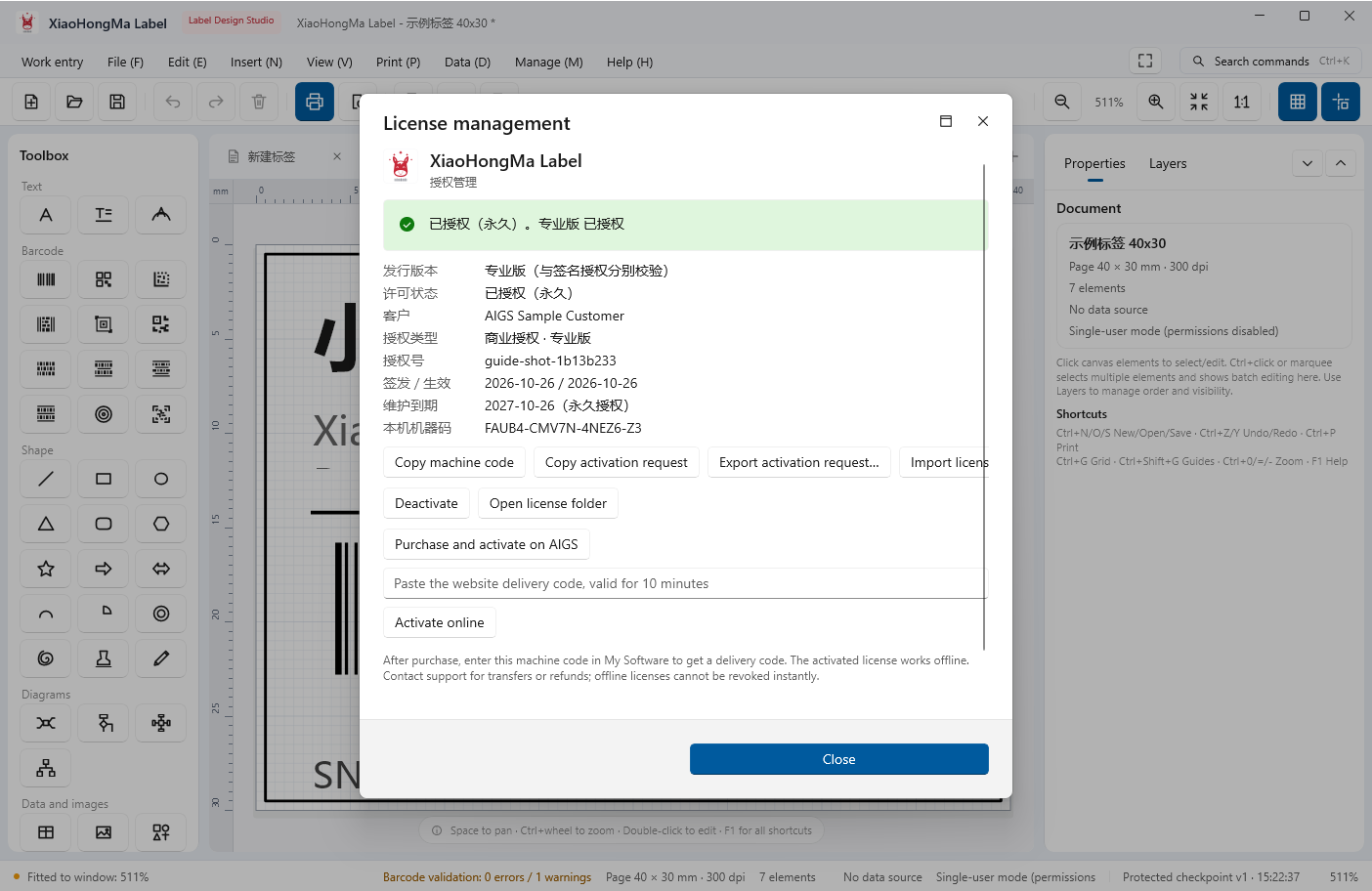
Professional and Enterprise ship as separate installers. The first launch shows the license state; you can still browse and design templates before activation, but printing requires a valid license.
- Open Management → License management and copy this machine code
- Sign in to your account page, paste the machine code and get a 10-minute delivery code
- Paste the code back into the app and click Activate online; it then works offline
Deactivate on the old machine before moving; issued offline licenses cannot be revoked remotely.
← / → moves between chapters